

Run your shop smarter.Sell faster.
JROne helps Indian retailers manage billing, inventory, purchases, customers and business reports from one place. Spend less time on manual work and more time serving customers.
- Billing, stock and purchases in sync
- Customer balances at a glance
- First month free on paid plans
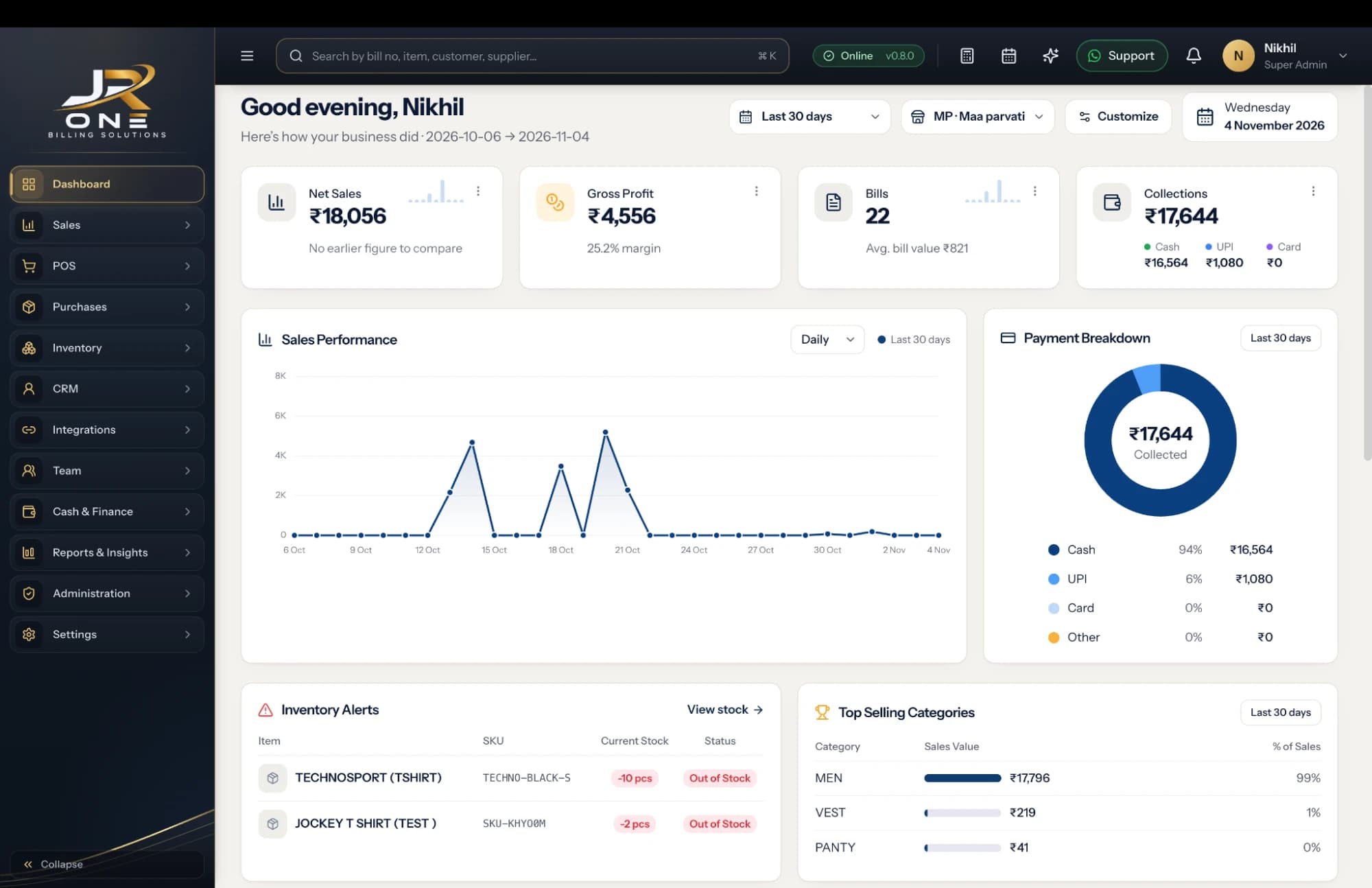
- BillingServe customers faster
- InventoryKeep stock current
- PurchasesTrack supplier buying
- CustomersFollow every balance
One system, two ways to work
Make the bill at the counter on the JR ONE POS. See everything it records — sales, stock, customers and staff — from the mobile app, wherever you are. The same data, on both.
At the counter
The POS billing software
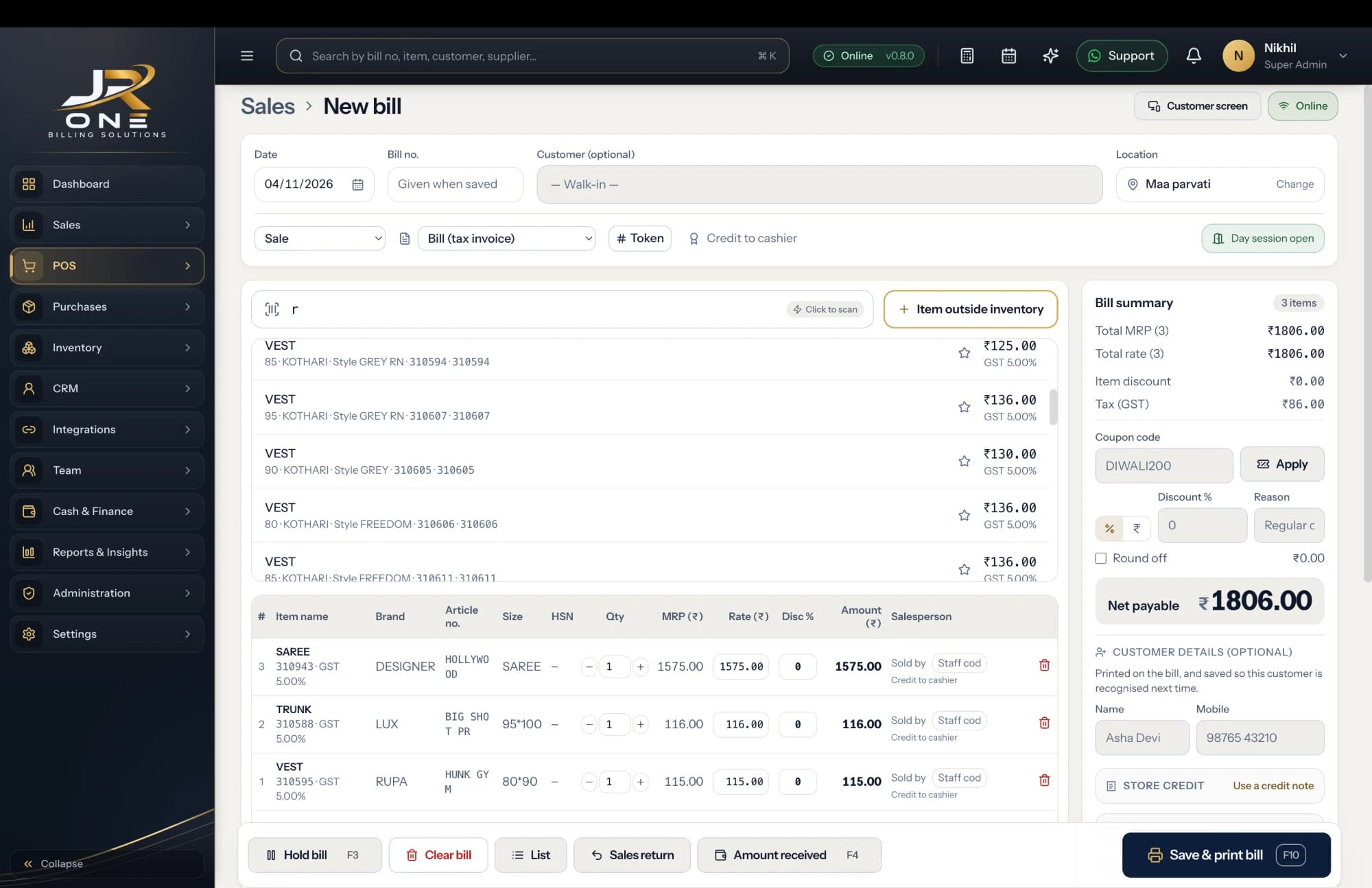
Bill fast on the POS: scan a barcode, apply discounts, see the GST on every line, hold a bill, take payment and print. Built for a busy counter — a single shop or several tills in a mall.
In your pocket
The mobile app
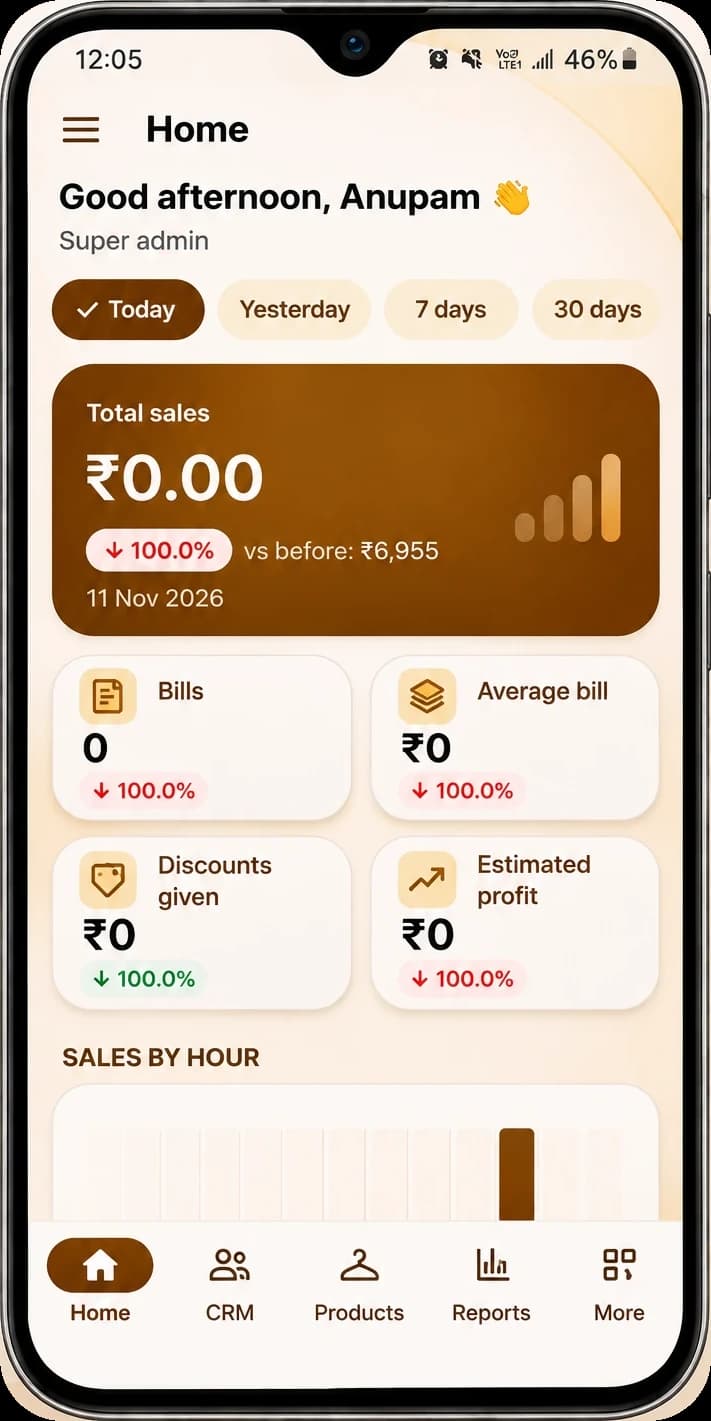
Open the app to see the day’s sales, stock, customer balances and your staff — live, from home or another outlet. You do not have to be standing at the till to know how the shop is doing.
POS & mobile, better together
Real-time sync between your counter and your phone, so you stay in control — in-store or on the go. Bill on the POS, and it is on the app the moment it is saved.
POS
In-store
Mobile app
On the go
Everything you need to run the counter
Built around a shop’s actual day, not an accountant’s spreadsheet.
See allBilling & POS
Keyboard-first billing with barcode scanning, discounts and every payment mode.
Learn moreInventory
Stock that moves itself on every bill and purchase, with low-stock alerts.
Learn morePurchases
Suppliers, purchase bills and returns, with a ledger of what you still owe.
Learn moreCustomers
A running balance per party, statements, and reminders on WhatsApp.
Learn moreReports & GST
The ten reports you open weekly, plus GSTR-1 and 3B as GSTN JSON.
Learn moreMulti-store
More than one outlet on one login, each with its own books and GSTIN.
Learn moreThe counter, as it looks in JROne today
Screenshot of the JR ONE POS · New bill. Search or scan an item, hold a bill, apply a coupon or a discount, then save and print. The shop and items shown are one shop’s own data.
- Faster billing
- Stock you can trust
- Fewer unpaid bills
Built for the way Indian retail actually runs
The whole shop, in your pocket
Billing, customers, products and your staff — run it all from the JR ONE phone app. These are real screens from the app, not mock-ups.

Connect to your shop
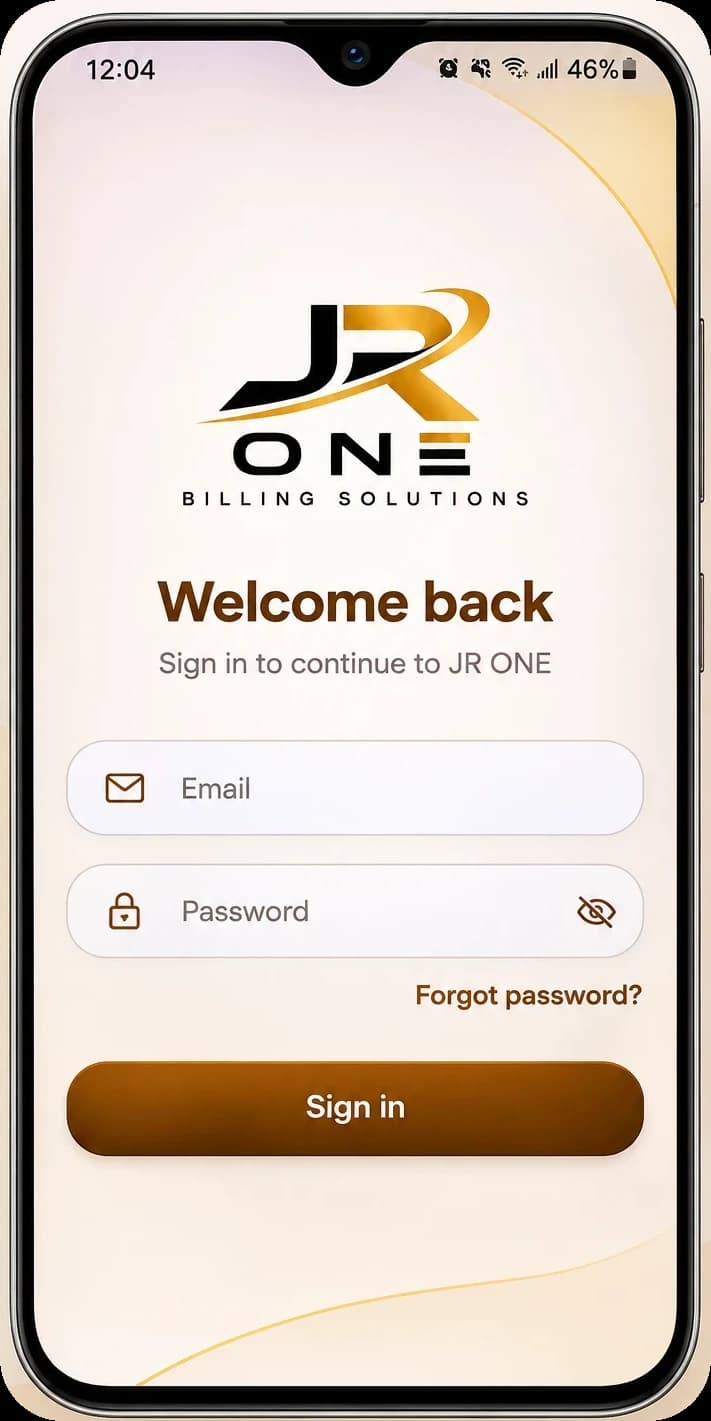
Sign in
Home
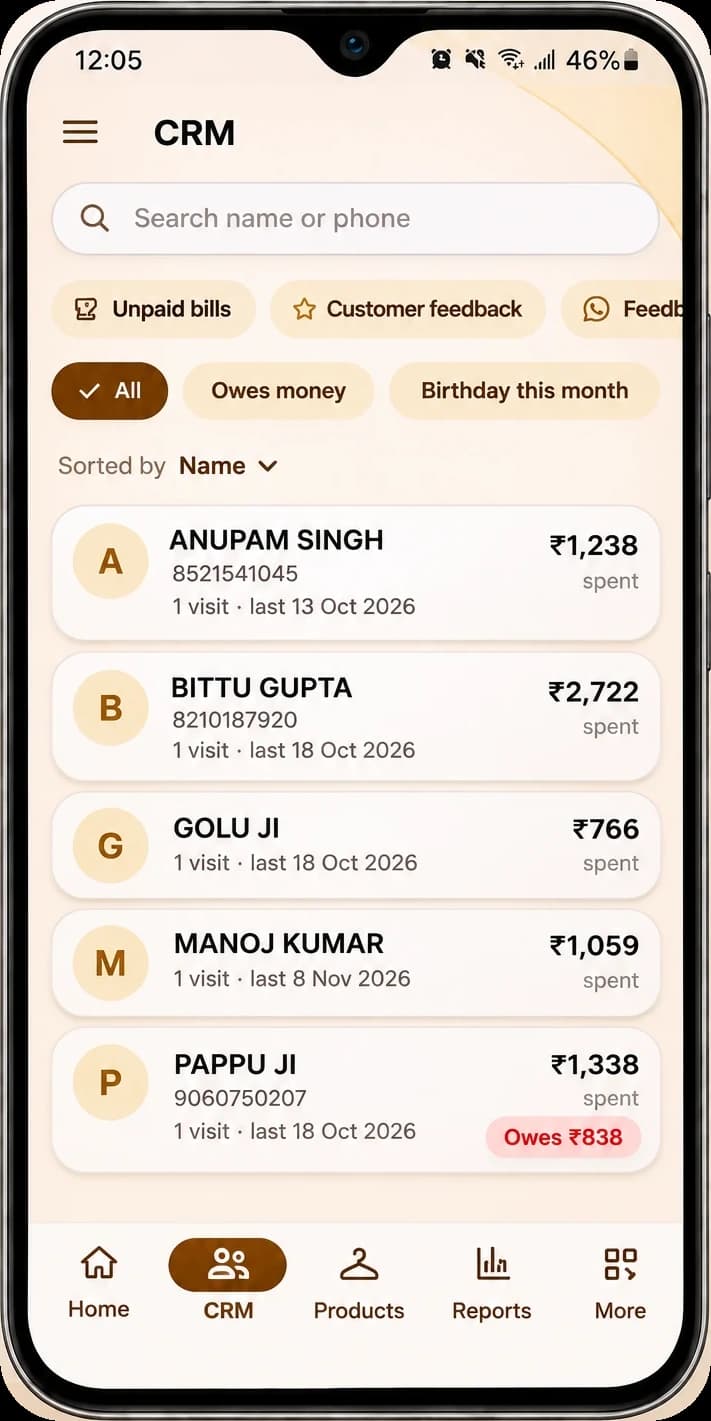
Customers
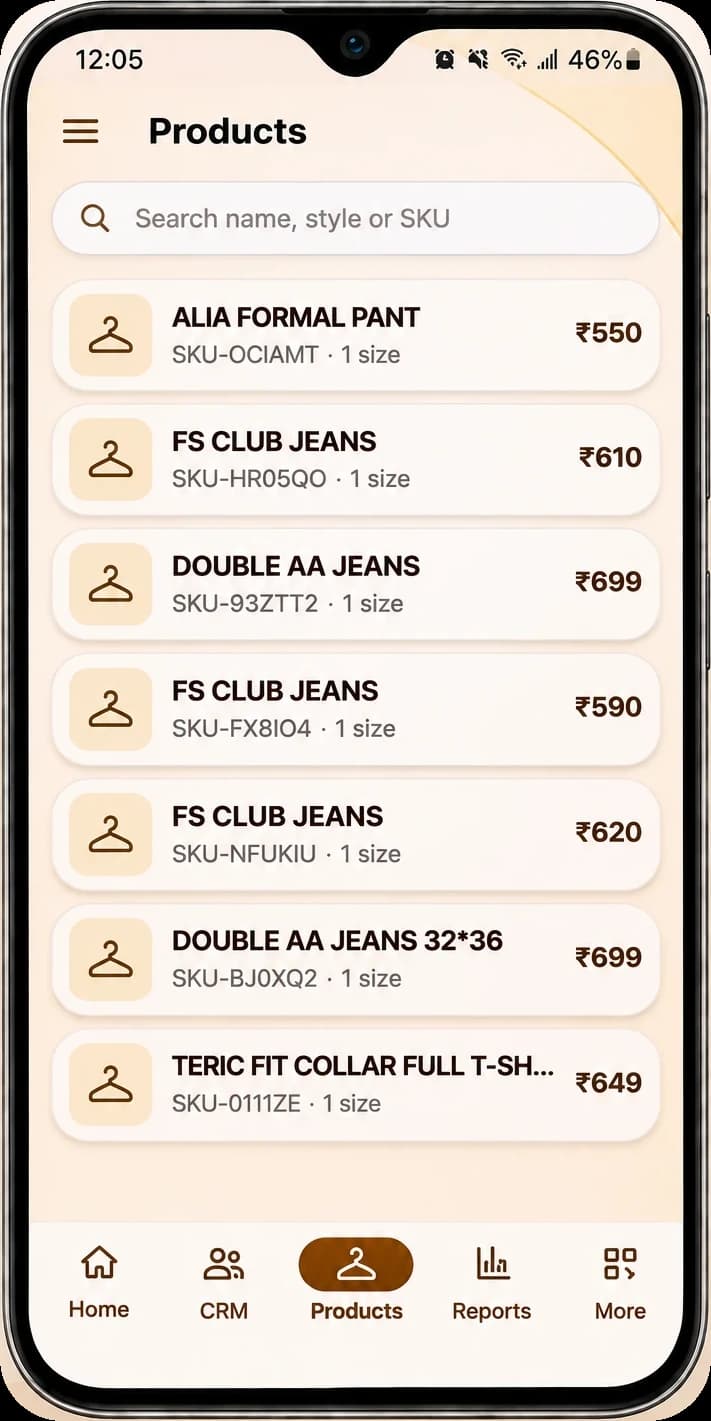
Products
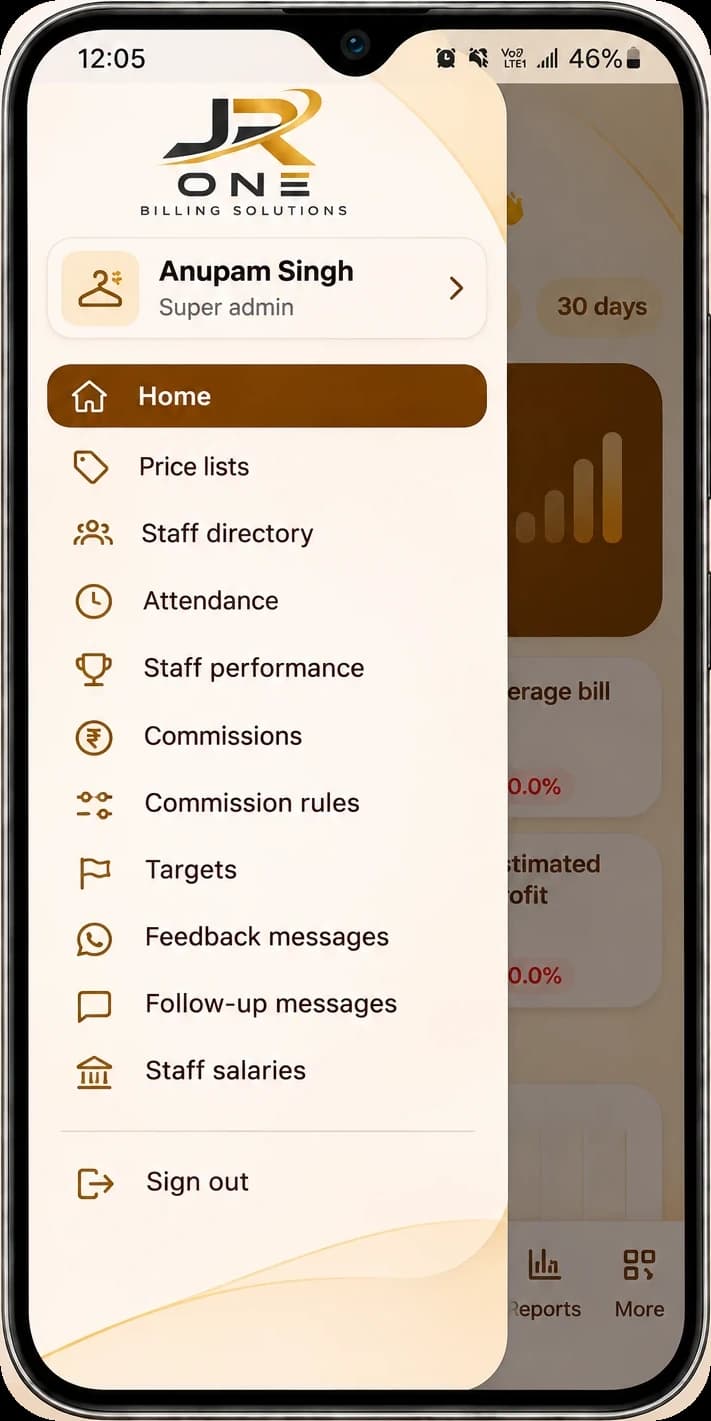
Staff & management
Screenshot of the JR ONE app · Products. Search by name, style or SKU; each item carries its own code, sizes and price.
More than a bill printer
The money on the bill, the stock on the shelf and the balance on the customer’s account all move from the same entry. One action at the counter, three things correct.
- Billing, stock and customer balances stay connected
- The tax split is decided from the place of supply, not from memory
- Every report exports to Excel or PDF, on every plan
- First month free, and no charge to leave
- We publish what is not built yet, before you pay

Your shop’s money and data stay locked to you
Every shop connects to its own server with a QR code or address — and the app ships with the controls below built in, so only you and the staff you choose can ever get to the numbers.
Fingerprint or face unlock
JR ONE asks for your fingerprint, face or phone lock every time it opens — a lost phone is not an open till.
Hidden on screenshots
Block screenshots and screen recording, and keep JR ONE out of the recent-apps preview.
Two-step sign-in
Turn on a second step so a stolen password alone is never enough to get in.
Auto sign-out
Sign out on its own after the phone is left untouched, so an unlocked counter phone stays safe.
Active devices
See every phone and computer signed in to your shop, and sign the others out in a tap.
Change password, everywhere
Changing your password signs out every device at once — including a staff phone you no longer trust.
Every protection shown here is in the JR ONE app today.