

Billing for a garment shop,discounts and returns included
A clothing counter is not a grocery counter. The tax rate changes with the price of the piece, half the bills carry a discount, and a good share of what you sell comes back to be exchanged. JROne handles those three things properly, and is honest about the one thing it does not do yet.
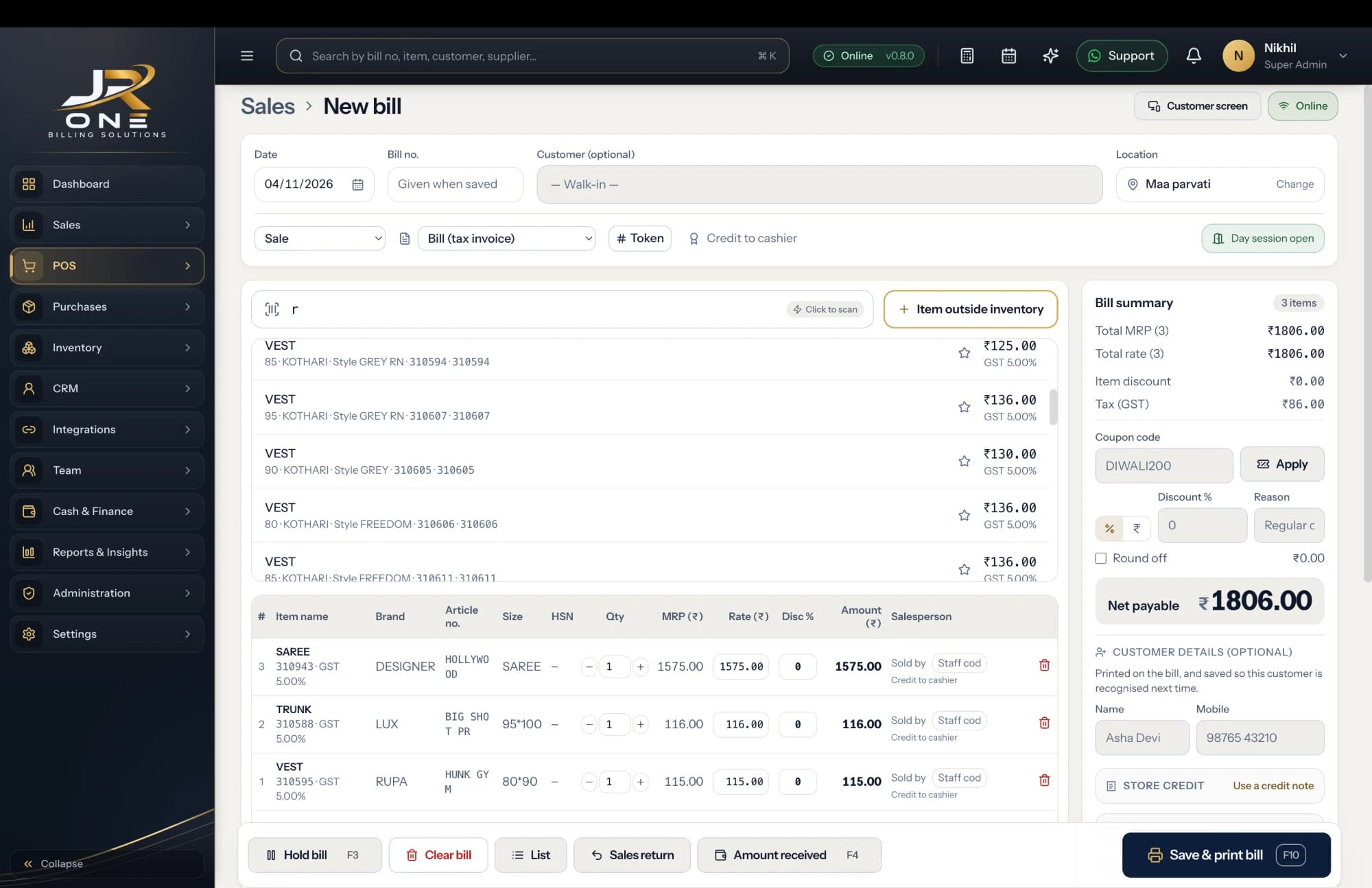
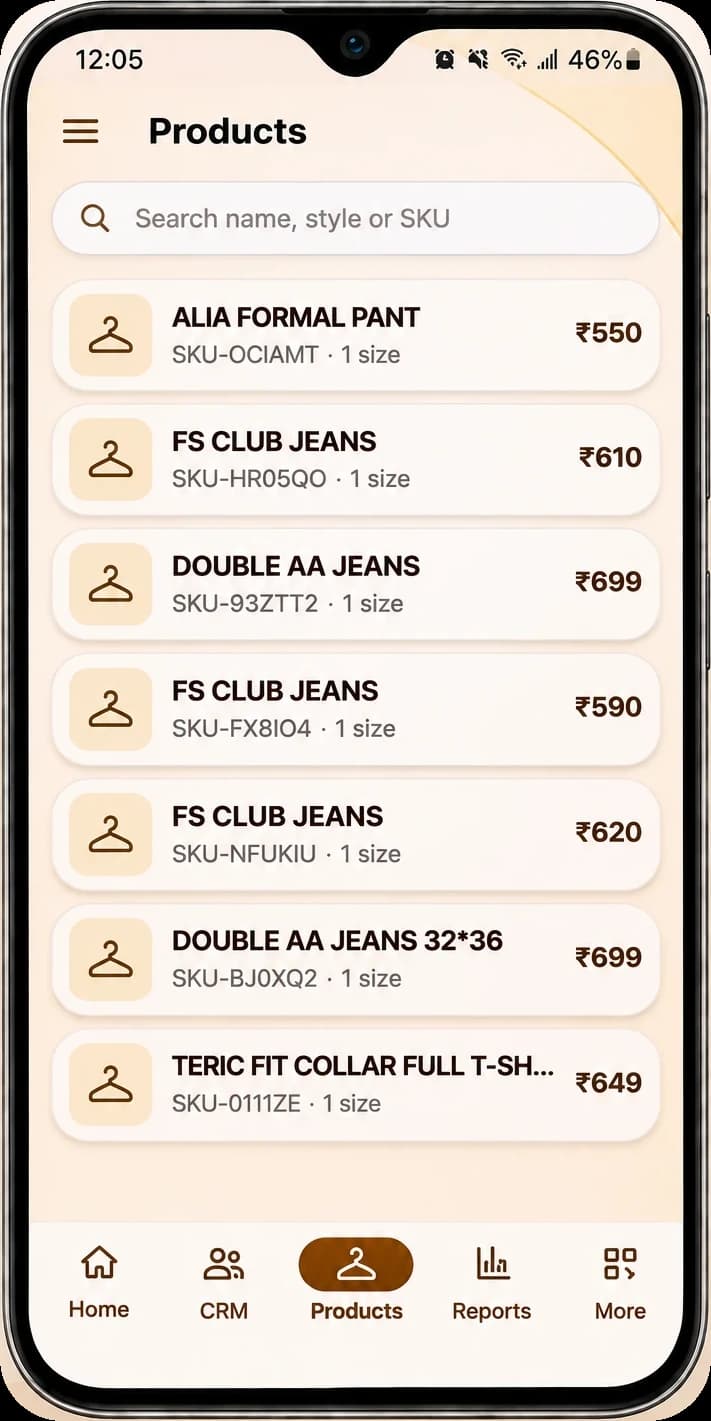
The JR ONE POS, with the mobile app showing Products
Explore featuresTax that follows the price point
Readymade garments sit in different GST slabs depending on sale value. Set the rate per item once and the right one lands on every bill.
Discounts you can actually see
Give a discount on a line or on the whole bill, in rupees or per cent. The discount report shows how much you gave away last month.
Returns and exchanges, done right
Raise a credit note against the original bill. Stock comes back in, the customer balance adjusts, and your GST return stays correct.
A barcode tag for every piece
Generate and print your own labels for stock that arrives untagged, then scan at the counter instead of hunting for a price.
Buy it if this is you
- You sell readymade garments and most bills carry a discount
- You want returns and exchanges recorded against the original bill, not scribbled on a slip
- You need the apparel GST slabs applied correctly per item
- You run one shop, or a few, and want them on one login
- You want to know which categories actually moved this season
Wait for us if this is you
- You need a size and colour variant matrix — this is our biggest gap for garments and it is not built
- You want stock held per size, so you can see that only XL is left
- You need season or lot tracking across purchases
- You need the screen in a regional language today
A look at what you get today
Everything named here works in JROne now. The blurred rows are more features that we show in a live demo.
Billing and invoicing
- GST and non-GST invoices
- Estimates and quotations
- Sale orders
- Delivery challans
+13 more in Billing and invoicing shown in a live demo
See themInventory
- Products and services
- Item categories
- Units and unit conversion
- Opening stock with rate
+10 more in Inventory shown in a live demo
See themPrint and share
- A4 and A5 print
- Thermal 58mm and 80mm receipts
- Invoice themes
- Logo and digital signature
+4 more in Print and share shown in a live demo
See themSetting JROne up for a garment shop
JROne lets you switch off the fields your trade does not use, so the billing screen stays short. Here is the setup we would suggest.
- 1
Turn off batch, expiry and serial-number fields. None of them apply to you, and the billing screen gets noticeably shorter.
- 2
Turn on item-level discount and bill-level discount, because you will use both in the same bill.
- 3
Build categories the way your shop is laid out: mens shirts, ladies kurtis, kids wear, rather than by supplier.
- 4
Set the GST rate on each item from its price point, and check the current notification with your CA before you fix the rates.
- 5
Until variant support ships, put the size into the item code, like SHRT-BLU-L. It is a workaround, not a solution, and we would rather say so.
- 6
Print barcode labels for everything that arrived without a tag, then bill by scanning.
Before you switch
Can I track stock by size and colour?
Not properly, and this is the honest reason some garment shops should wait for us. There is no variant matrix today. The workaround is a separate item per size, with the size in the item code, which works but means more items to manage. Variant support is on the roadmap.
How does JROne handle the different GST rates on apparel?
Readymade garments fall into different slabs depending on the sale value of the piece, so the rate is set per item rather than per bill. Set it once on the item and every bill picks it up. Rates and thresholds change, so confirm the current position with your CA rather than relying on a default we shipped.
How do I do an exchange?
Raise a credit note against the original invoice for what came back, then bill the new piece as a fresh sale. Stock moves both ways, the customer balance nets off, and both documents appear in your GST return correctly.
Can I give a flat discount on the whole bill?
Yes, as a percentage or a rupee amount, and you can also discount individual lines in the same bill. There is a discount report that totals what you gave away over any period, which is worth looking at monthly.
Can I see what is not selling?
Partly. The stock summary shows what is sitting, and sale reports show what moved by category and by item. Item-wise profit and loss, which is what you really want for dead stock, is on the roadmap rather than live.
Can I print a price tag with my shop name?
You can print barcode labels with the item name and price. A fully designed price tag with your branding is not something we do today.