

Explore Everything JR ONE Can Do
A connected system for the everyday work of retail: billing, inventory, purchases, customers, GST, and business reports. Everything listed here works today.
Billing
Connected module
Inventory
Connected module
GST & Taxes
Connected module
Customers
Connected module
Purchases
Connected module
Reports
Connected module
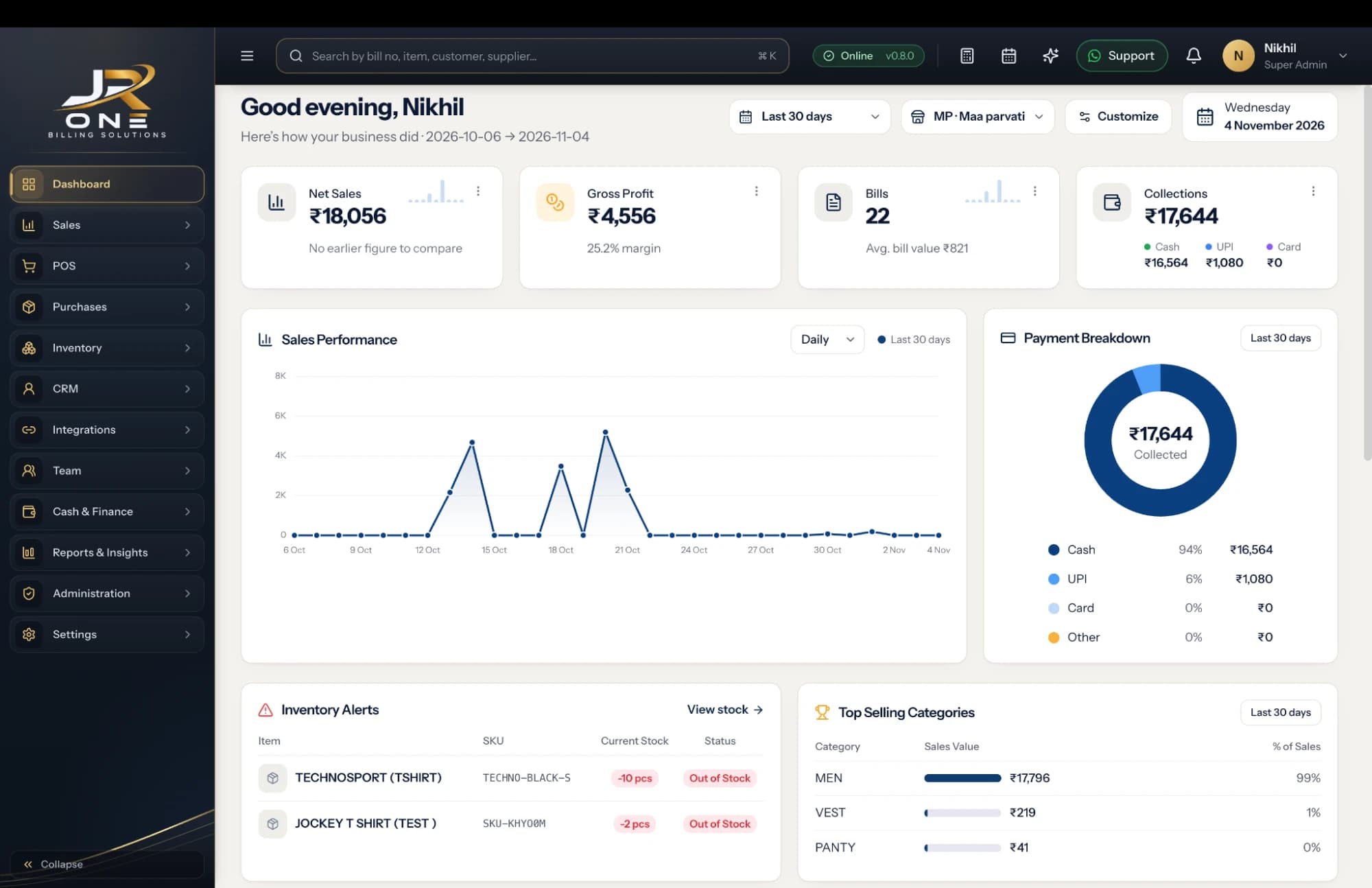
01 · Live feature explorer
Look inside each product area.
The headline features of each area. There is more behind each one, and we show it in a live demo.
Feature index
40 results+54 more shown in a live demo
See themBilling and invoicing
GST and non-GST invoices
Every document a retail or wholesale business issues in a day.
There is no screenshot for this area on this page yet.
Availability: working today, on at least one plan.
02 · The app itself
See the JR ONE app on screen.
Choose a screen to look at. These are real screenshots of the app, not illustrations. They show one shop’s data, so yours will look different.
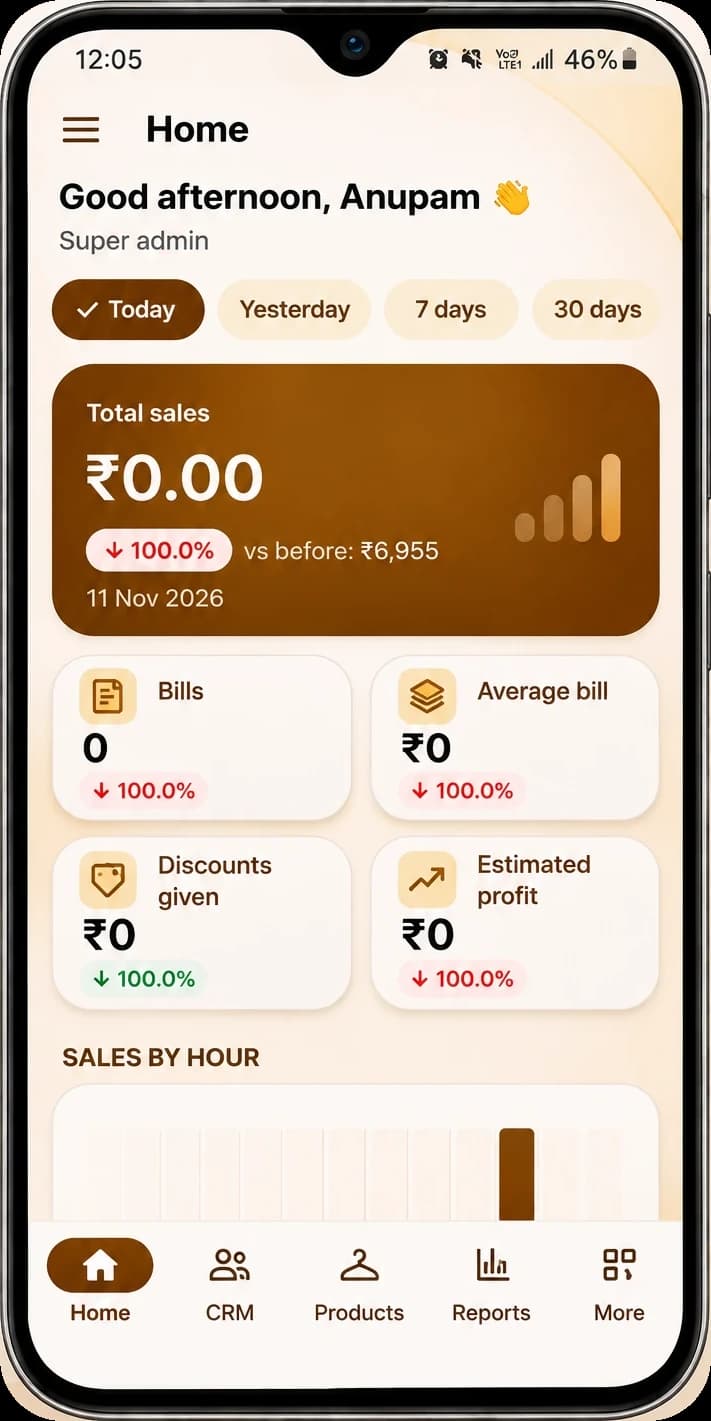
Home · screenshot
The shop’s day, at a glance.
Total sales, bills, average bill, discounts given and estimated profit for today, yesterday, or the last 7 or 30 days, with the day’s sales broken down by hour.
03 · Mobile app
Check the shop from your phone.
Sign in with your email and password, then see how the store is doing — total sales, bills, average bill, discounts given and estimated profit — for today, yesterday, or the last 7 or 30 days, with the day’s sales broken down by hour.
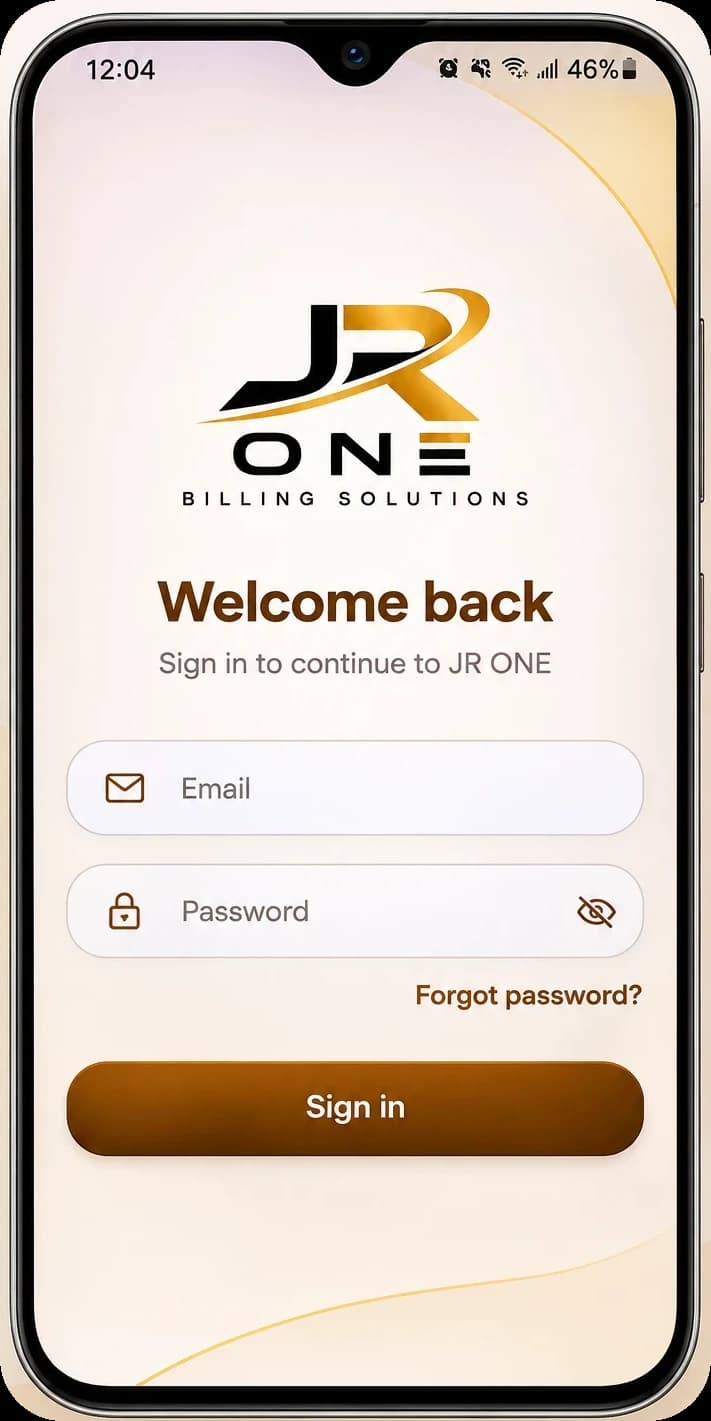
Real screenshots of the JR ONE mobile app. The figures belong to one store and will differ for yours.
Ask about the mobile appExplore JR ONE
See how these features fit your retail business.
Review the current plans or talk with the JROne team about your shop.