

Checkout software fora store people walk around
A supermarket is a different problem from a counter shop. Customers fill a basket themselves, two or three tills run at once, almost everything carries a barcode, and the question at the end of the month is which aisle actually earned. JROne is built around scanning, several cashiers on one stock position, and reporting by category.
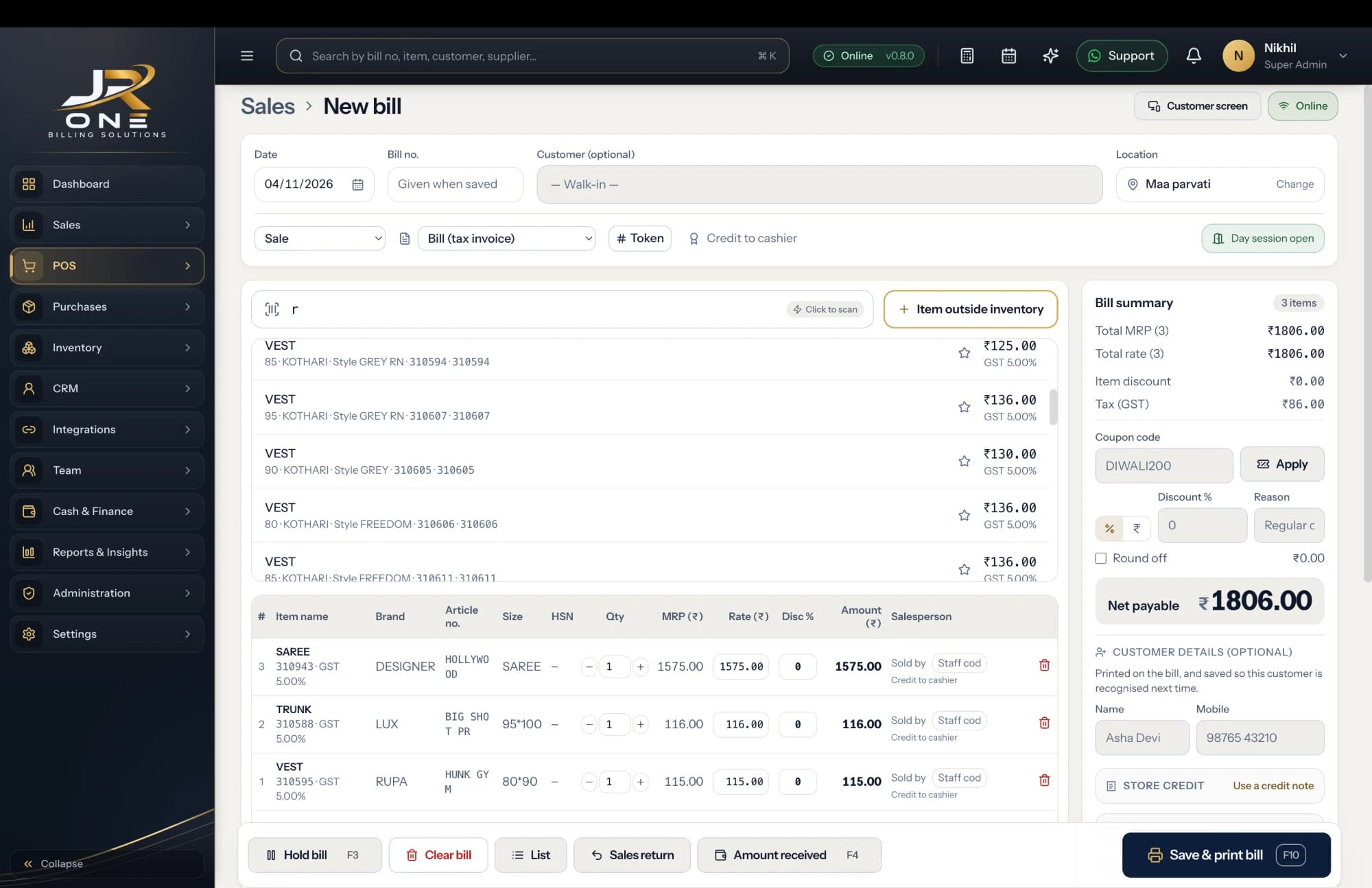
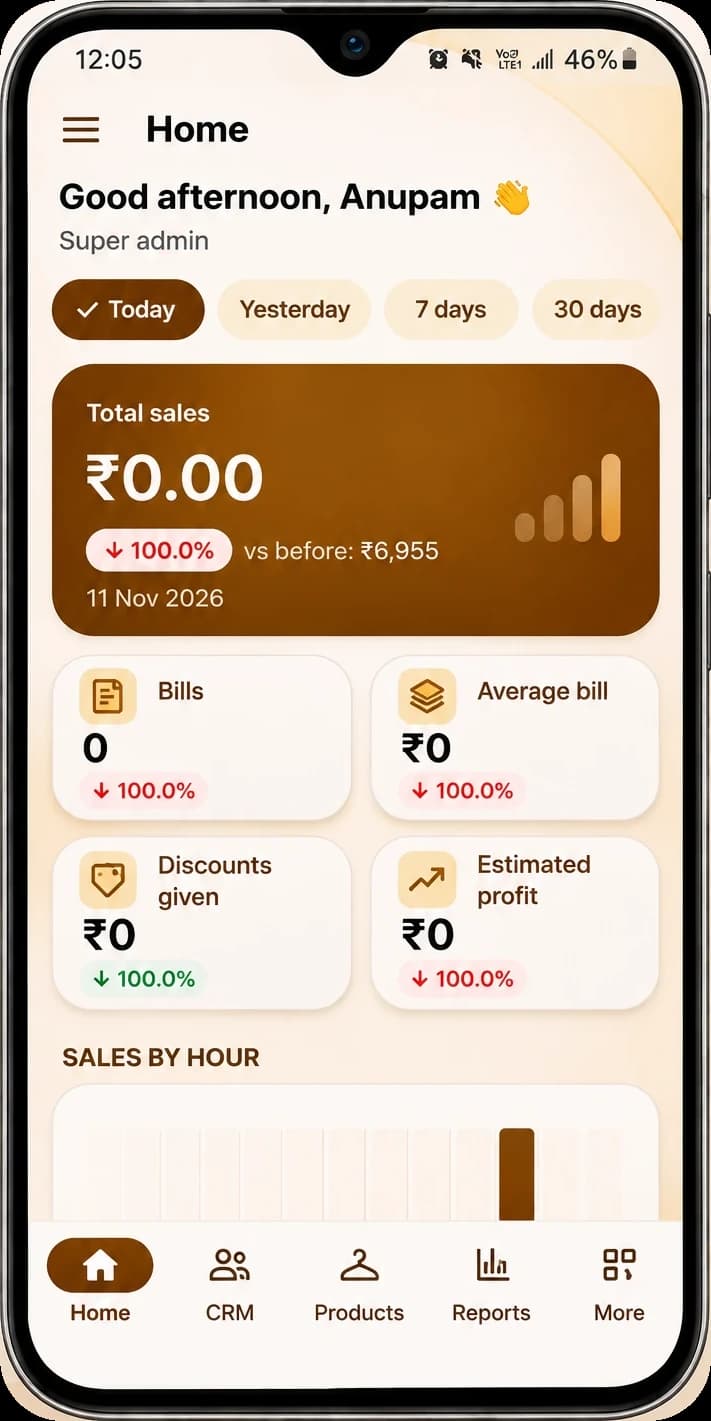
The JR ONE POS, with the mobile app showing Home
Explore featuresScan, do not type
A full basket goes through on the scanner alone. Items that arrive unlabelled get your own printed barcode so nothing has to be looked up by name.
Several tills, one stock position
Every counter bills into the same books. Stock moves in real time and the bill series stays gapless even when two tills save at the same moment.
Know which aisle earns
Sales by item category tell you what staples, household and personal care each brought in, rather than one number for the whole shop.
Reorder before the shelf empties
Set a reorder level per item and the low-stock list tells you what to order, instead of a customer telling you.
Buy it if this is you
- Customers serve themselves and pay at one or more checkout counters
- Most of your stock is barcoded, or you are willing to label what is not
- Cashiers are staff, and you want sales attributed to each of them without showing them your margins
- You want to see performance by section rather than one daily total
- You want a stock figure you can trust without closing the shop to count
Wait for us if this is you
- You need expiry dates on dairy, bakery and other perishables — not live, and it is being built now
- You want a weighing scale to send weights straight into the bill for loose produce
- You hold stock in a back store or godown separate from the shop floor, because multi-godown is not live
- You run a loyalty or points programme at the till
- You want a dedicated full-screen POS till interface rather than the keyboard billing screen
A look at what you get today
Everything named here works in JROne now. The blurred rows are more features that we show in a live demo.
Inventory
- Products and services
- Item categories
- Units and unit conversion
- Opening stock with rate
+10 more in Inventory shown in a live demo
See themBilling and invoicing
- GST and non-GST invoices
- Estimates and quotations
- Sale orders
- Delivery challans
+13 more in Billing and invoicing shown in a live demo
See themBusiness and team
- Multiple firms under one login
- Staff logins with role-based access
- Owner, admin, salesman and accountant roles
- Per-user sales attribution
+2 more in Business and team shown in a live demo
See themSetting JROne up for a supermarket
JROne lets you switch off the fields your trade does not use, so the billing screen stays short. Here is the setup we would suggest.
- 1
Go barcode-first. Import your item list with barcodes from Excel, then print your own labels for anything that arrived without one.
- 2
Build item categories that mirror your aisles, not your suppliers. Every category report afterwards depends on getting this right once.
- 3
Give each till its own cashier login on the salesman role, so sales are attributed and purchase prices stay hidden.
- 4
Set units for anything sold loose, with conversions, so 750g out of a 25kg bag takes the right stock.
- 5
Put reorder levels on your top two hundred movers first. Doing all of them at once never finishes.
- 6
Pull the day book at close every day and reconcile cash, card and UPI against what the machines actually settled.
Before you switch
Can two or three counters bill at the same time?
Yes. Each till signs in on its own device and bills into the same books, so stock and customer balances stay correct across all of them. Invoice numbers come from a locked series, so simultaneous saves never produce a duplicate or leave a gap.
Can I sell loose produce by weight?
Yes, with decimal quantities and unit conversion, so you can buy in 25kg sacks and sell by the kilo or in grams. What you cannot do yet is have a weighing machine push the weight into the billing screen — the cashier types it. If most of your basket is weighed, that will slow you down.
What about expiry on dairy and bakery?
Not live. Stock is tracked per item, not per batch with a date, so there are no near-expiry alerts. This is the next thing being built. If perishable write-offs are a real cost in your store, this is a fair reason to wait for us.
Can I see which section of the shop earns most?
Yes, through sales by item category over any date range, exportable to Excel. Item-wise profit, which would tell you margin rather than revenue by section, is on the roadmap rather than live.
How do I handle stock that goes missing?
Count a section, then record a stock adjustment with a reason. Because stock is an append-only ledger rather than a number someone overwrote, you can open any item afterwards and see every movement, who recorded it and when, which is usually how shrinkage gets found.
How is this different from your kirana page?
A kirana counter runs on credit and on the shopkeeper knowing every customer, so that page is built around the khata. A supermarket runs on scanning volume, several cashiers and category reporting, and most sales are paid immediately. Same product, different setup, and we would set it up differently for each.