

Billing software for a pharmacy,with one honest caveat
JROne does GST billing, distributor purchases and credit accounts well, and a pharmacy needs all three. What it does not do yet is track stock by batch number and expiry date. For most medical stores that single gap is decisive, so this page leads with it rather than burying it.
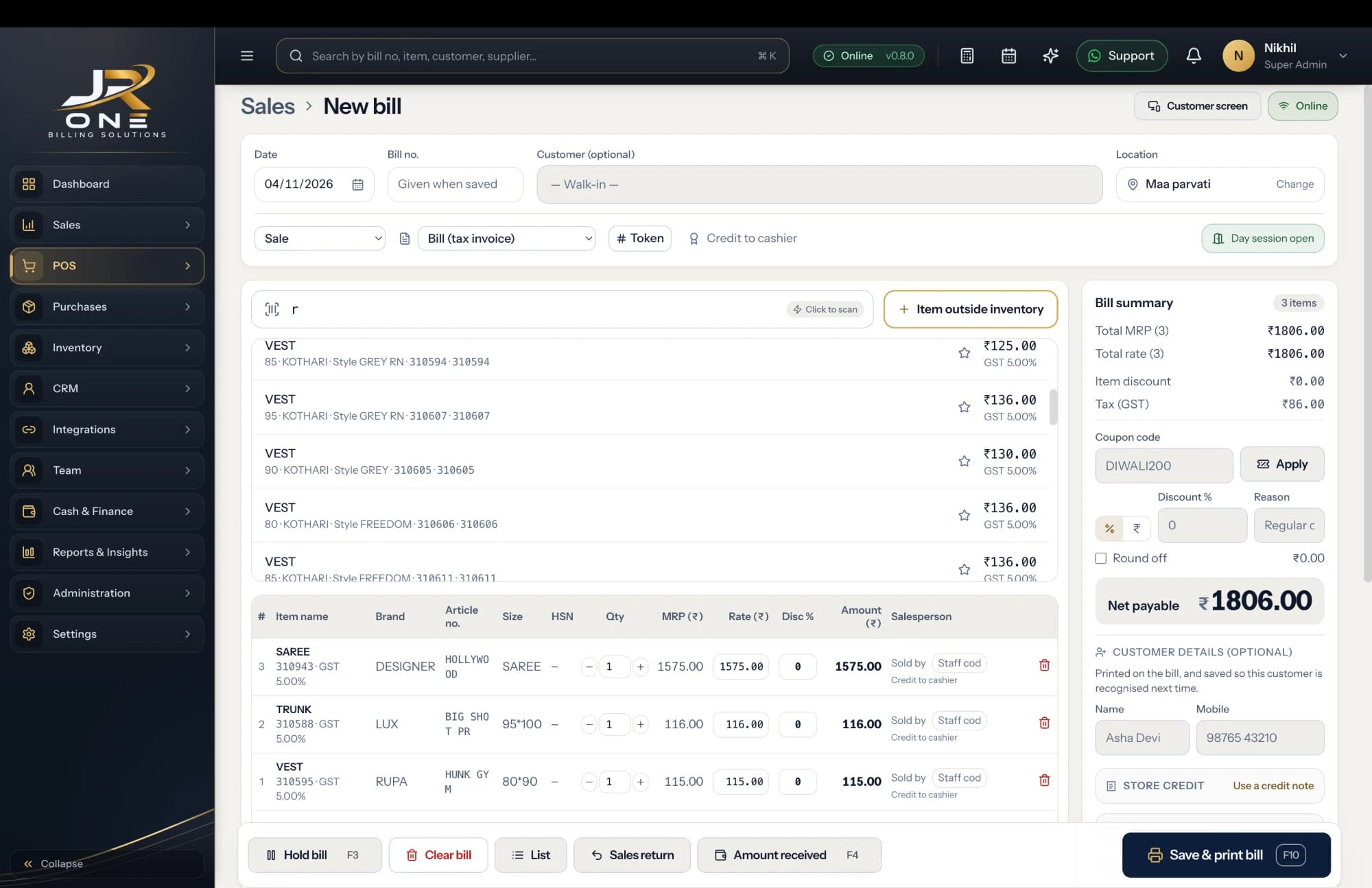
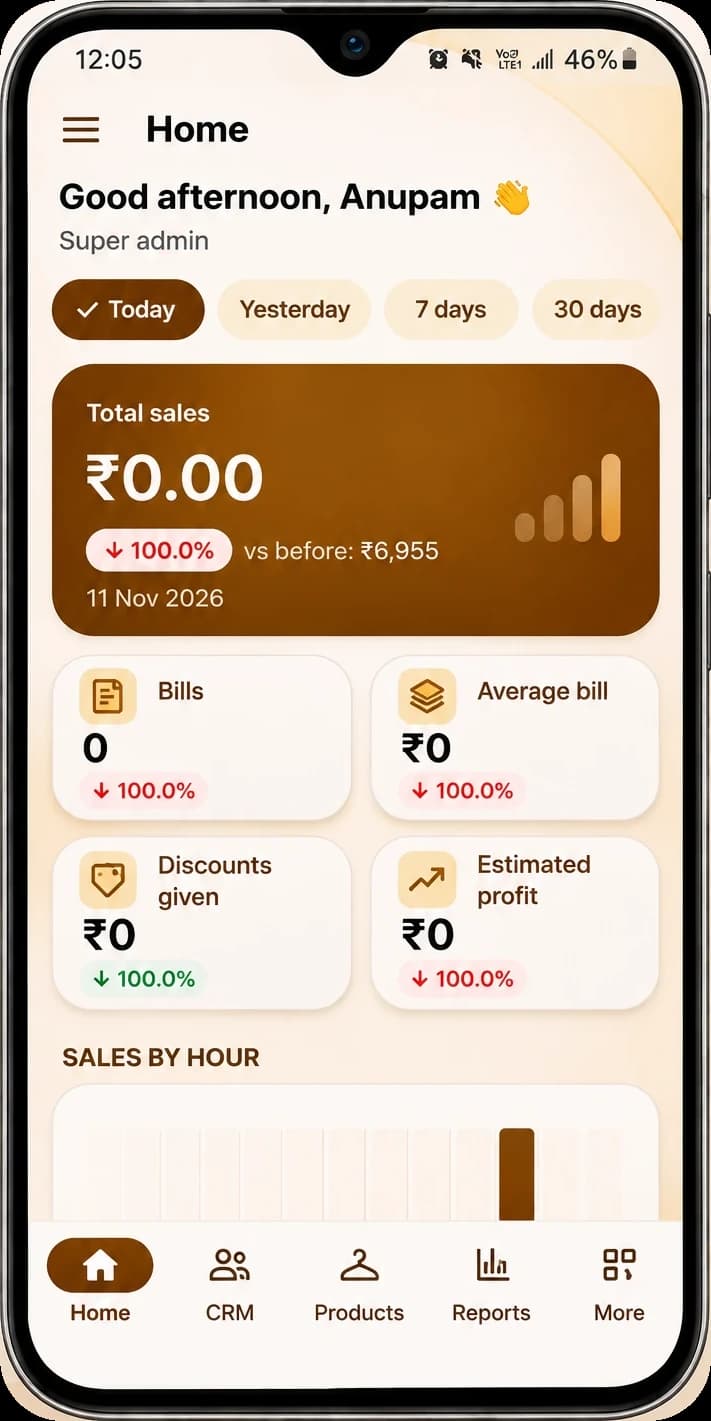
The JR ONE POS, with the mobile app showing Home
Explore featuresMost pharmacies should wait for us
A medical store has to know the batch and expiry of what is on the shelf — to pull stock in a recall, to return near-expiry goods to the distributor, and simply to not sell something out of date. JROne does not track either yet. They are the next thing being built, but they are not live today, and we are not going to sell you a pharmacy system that cannot do this.
GST on medicines, per item
Medicines sit across different slabs. Set the rate once on each item and every bill picks it up, with an HSN summary ready for your return.
Credit accounts for clinics
If you supply doctors, clinics or nursing homes on account, each one carries a running balance with a statement you can print or send.
Distributor purchases and returns
Record purchase bills from your distributors, raise debit notes for returns, and keep a clean ledger of what you owe each one.
Licence numbers on every bill
Put your drug licence numbers into the invoice footer once and they print on every invoice you issue.
Buy it if this is you
- Most of what you sell is OTC, FMCG and general goods rather than scheduled medicines
- You already keep an expiry register elsewhere and only need GST billing, purchases and ledgers
- You supply clinics or nursing homes on credit and want proper statements
- You are opening a new store and are happy to start on billing while we finish batch tracking
Wait for us if this is you
- You stock prescription medicines with expiry dates, which describes almost every pharmacy
- You need batch-wise traceability to pull stock in a recall
- You return near-expiry goods to distributors against a batch number
- You need Schedule H and H1 prescription details recorded against a sale
- You need rack or shelf location against each item
A look at what you get today
Everything named here works in JROne now. The blurred rows are more features that we show in a live demo.
Inventory
- Products and services
- Item categories
- Units and unit conversion
- Opening stock with rate
+10 more in Inventory shown in a live demo
See themBilling and invoicing
- GST and non-GST invoices
- Estimates and quotations
- Sale orders
- Delivery challans
+13 more in Billing and invoicing shown in a live demo
See themCustomers and suppliers
- Party master with GSTIN
- Billing and shipping addresses
- Opening balances, to receive or to pay
- Credit limit and credit period
+5 more in Customers and suppliers shown in a live demo
See themIf you do start with JROne today
JROne lets you switch off the fields your trade does not use, so the billing screen stays short. Here is the setup we would suggest.
- 1
Keep your expiry and batch register exactly where it is. Do not retire it, because JROne cannot replace it yet and a half-moved record is worse than two clean ones.
- 2
Put your drug licence numbers into the invoice footer in print settings so every bill carries them without anyone retyping.
- 3
Set the GST rate on each item individually rather than assuming one slab covers your whole shelf.
- 4
Create a supplier record for each distributor and enter opening balances, so the ledger starts from what you actually owe.
- 5
Set up credit accounts for the clinics you supply, with a credit period, so overdue amounts surface on the dashboard.
- 6
Use item categories for your sections, and set reorder levels on fast movers so the distributor order leaves on time.
Before you switch
Can JROne track batch numbers and expiry dates?
No, not today. This is the single most important thing a pharmacy needs and we do not have it. Stock is tracked per item, not per batch, so the system cannot warn you about near-expiry goods or help you trace a batch. It is the next thing being built. Until it ships, treat JROne as billing and ledgers only, and keep your expiry register separate.
When will batch and expiry tracking be ready?
It is in active development and sits at the top of the roadmap, but we are not going to put a date on this page and have you plan around it. Call us and ask where it actually stands before you make a decision, and buy on what exists today rather than on what we say is coming.
Can I print my drug licence number on the invoice?
Yes. Both licence numbers go into the invoice footer in print settings, and they then appear on every invoice automatically. You can also add your pharmacist's name and registration there.
Can I record prescription details for Schedule H and H1 drugs?
Not properly. You could type a prescriber name into the invoice notes, but that is not a prescription register and it will not stand up as one. If you need compliant Schedule H1 records, you need software built for it.
Can I bill a clinic on credit and send a monthly statement?
Yes, and this part works well. Each clinic is a party with a running balance, a credit limit and a credit period. You can bill through the month, record part payments against specific bills, and send a statement on WhatsApp or as a PDF.
Can I search medicines by salt or generic name?
Only if you put the salt name into the item name or description, because search covers those fields. There is no separate salt master and no substitute suggestion, which a dedicated pharmacy system would give you.